
How to Digitise an Image for Embroidery – Step-by-Step Guide
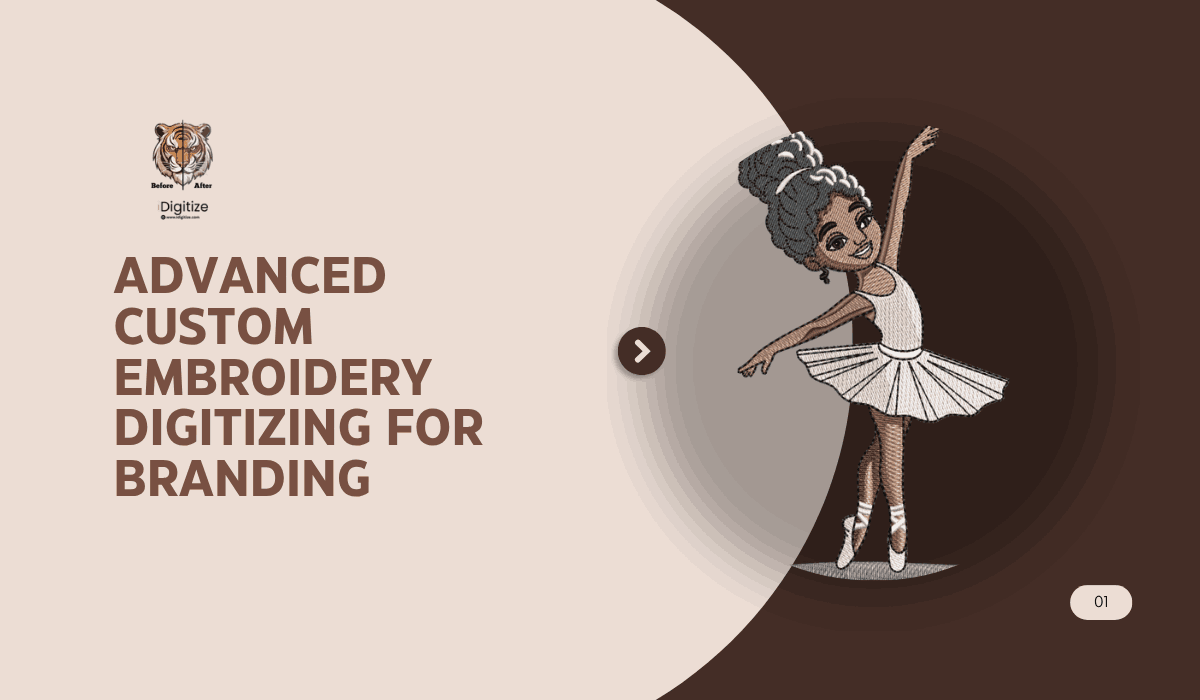
If you want clean, professional embroidery results, simply uploading an image into an embroidery machine is not enough. Machines cannot understand JPG or PNG files directly. The design must first be converted into a stitch file through a technical process called Digitise Image For Embroidery.
Digitising is what determines whether your embroidery looks sharp and professional or messy and uneven. Proper stitch direction, density, underlay, and sequencing all come from good digitising decisions. Without this process, even a good logo can turn into poor embroidery.
This guide explains exactly how professionals convert artwork into embroidery files, what tools they use, and what steps matter most. By the end, you will clearly understand how the process works and how experts approach it.
What Does It Mean to Digitise an Image for Embroidery?
Digitising is the process of converting artwork into instructions that an embroidery machine can read. Instead of pixels, embroidery machines work with stitch paths.
A digitised file tells the machine:
• Where stitches start and stop
• Which stitch type to use
• Stitch direction
• Stitch density
• Color sequence
• Thread trims and jumps
This is why embroidery digitising is considered both a technical skill and an art. Good digitising improves durability, reduces thread breaks, and produces cleaner designs.
Professional services like Digitise Image For Embroidery providers such as idigitize focus on optimizing these technical elements to ensure designs run smoothly on commercial embroidery machines.
What Types of Images Work Best for Embroidery Digitising?
Not every image converts well into embroidery. Some artwork requires adjustments before digitising.
Best image types include:
Vector logos
These are ideal because they already contain clean edges and shapes.
High-resolution PNG files
Clear images with minimal noise are easier to convert.
Simple color designs
Fewer colors reduce complexity and production time.
Bold shapes
Thin details often need modification because thread cannot reproduce extremely fine lines.
Images that usually require redesign include:
• Low resolution images
• Blurry artwork
• Highly detailed photos
• Gradient heavy graphics
Professionals often recreate artwork before digitising to improve stitch outcomes.
Step-by-Step Process Professionals Use to Digitise Embroidery Designs
Here is how experienced digitizers approach the process.
Step 1: Prepare the Artwork
The first step is cleaning the image. This may involve:
• Removing background noise
• Adjusting contrast
• Simplifying details
• Converting to vector format
Professionals often redraw designs in vector software before digitising because clean paths produce better stitch results.
Step 2: Choose the Right Digitising Software
Professional digitizers use specialized embroidery programs such as:
• Wilcom
• Hatch Embroidery
• Pulse
• Brother PE Design
These tools allow manual control over stitch behavior rather than automatic conversion, which usually produces poor results.
Many businesses choose professional services like idigitize because manual digitising requires training and experience.
Step 3: Define Stitch Types
Different parts of a design require different stitches.
Common stitch types include:
Satin stitch
Used for text and borders.
Fill stitch
Used for large areas.
Running stitch
Used for fine details.
Choosing the wrong stitch type is one of the biggest beginner mistakes. Professionals select stitches based on:
• Shape width
• Fabric type
• Design size
• Thread type
Step 4: Set Stitch Direction
Stitch direction affects how light reflects on embroidery and how smooth the design appears.
Proper direction helps:
• Prevent gaps
• Improve texture
• Control fabric pull
• Improve durability
Experienced digitizers use stitch angles to create depth and visual flow.
Step 5: Add Underlay Stitches
Underlay is the hidden foundation of embroidery. It stabilizes fabric and supports top stitches.
Types include:
• Edge run underlay
• Zigzag underlay
• Tatami underlay
Skipping underlay is a common beginner error that causes unstable stitching.
Step 6: Adjust Stitch Density
Density determines how tight stitches are placed.
Too dense causes:
• Thread breaks
• Needle breaks
• Fabric puckering
Too loose causes:
• Gaps
• Poor coverage
Professional digitizers balance density based on:
• Fabric thickness
• Thread type
• Design size
This is why companies offering Digitise Image For Embroidery services spend time optimizing density rather than relying on automatic software settings.
Step 7: Set Color Sequence
Color sequencing improves production efficiency.
Proper sequencing:
• Reduces thread changes
• Minimizes trims
• Speeds production
• Improves finish quality
Professionals also group elements to reduce unnecessary machine movement.
Step 8: Test the Design
Testing is what separates amateur digitising from professional work.
A test stitch reveals:
• Stitch gaps
• Density issues
• Thread breaks
• Registration problems
Professional digitizers always run test samples before final delivery.
Common Mistakes Beginners Make When Digitising Embroidery
Many beginners rely on auto-digitising tools. These often create poor stitch paths.
Common mistakes include:
Using auto digitising only
Automatic conversion rarely produces professional results.
Ignoring fabric type
Different fabrics require different settings.
Making designs too small
Tiny designs lose detail quickly.
Using wrong stitch density
This causes machine problems.
Not testing designs
Skipping test runs leads to production failures.
Working with professionals like Digitise Image For Embroidery experts can prevent these problems and ensure production-ready files.
Manual Digitising vs Auto Digitising
Understanding this difference is important.
Auto digitising
Advantages:
Fast conversion.
Disadvantages:
Poor stitch quality
No fabric optimization
Limited control
Manual digitising
Advantages:
• Professional quality
• Fabric adjustments
• Clean stitching
• Better durability
Disadvantages:
• Requires skill
• Takes more time
Professional embroidery always relies on manual digitising.
What File Formats Are Used in Embroidery Digitising?
Machines require specific stitch formats.
Common embroidery formats include:
• DST (Tajima)
• PES (Brother)
• EXP (Melco)
• JEF (Janome)
• VP3 (Husqvarna)
Professional digitizers usually provide multiple formats depending on machine compatibility.
When Should You Hire a Professional Digitising Service?
DIY digitising works for learning, but businesses often outsource because quality affects brand presentation.
Consider professional help if:
• You run an embroidery business
• You sell branded apparel
• You need consistent results
• You want faster production
• You need complex logos digitised
Companies like idigitize specialize in production-ready embroidery files and optimized stitch paths for commercial machines.
Expert Tips for Better Embroidery Digitising Results
Professionals follow several best practices.
Keep designs simple
Simplification improves stitch quality.
Use proper sizing
Avoid shrinking detailed logos.
Always test stitch
Testing prevents production waste.
Adjust for fabric stretch
Knits need different settings than cotton.
Use professional digitising when quality matters
Production embroidery depends heavily on digitising quality.
Conclusion
Learning how to Digitise Image For Embroidery correctly is essential for producing clean, durable, and professional embroidery. The process involves more than converting an image. It requires understanding stitch behavior, fabric interaction, and machine efficiency.
Professionals focus on stitch direction, density, underlay, and testing because these factors directly affect quality. While beginners can learn digitising, businesses often rely on expert digitizers to ensure consistent results.
If embroidery quality matters for your brand or production workflow, professional digitising is often the safest approach.
FAQ Section
Can I digitise embroidery designs for free?
Yes, some free tools exist, but they rarely produce professional results. Manual digitising software usually requires paid licenses.
How long does embroidery digitising take?
Simple designs may take 1–2 hours. Complex logos may take several hours depending on detail level.
What is the best software for embroidery digitising?
Wilcom and Hatch are considered industry standards because of their manual control features.
Why does my embroidery design look different from my image?
Because embroidery uses stitches instead of pixels. Designs often require adjustment to work with thread limitations.
Can any image be converted into embroidery?
Most images can be converted, but some require redesign or simplification to produce clean results.

 English
 Arabic
 French
 Spanish
 Portuguese
 Deutsch
 Dutch
Dutch
 Italiano
 Russian
 Romaian
 Portuguese (Brazil)
 Greek
Greek